Post a slideshow every day without making one every day.
Carouloop is for TikTok creators. It writes a week of photo slideshows in your niche and your voice. You tweak what you want, approve from your phone, and each one posts at its time.
- Nothing posts without your OK
- Built for your phone
- No product or brand needed
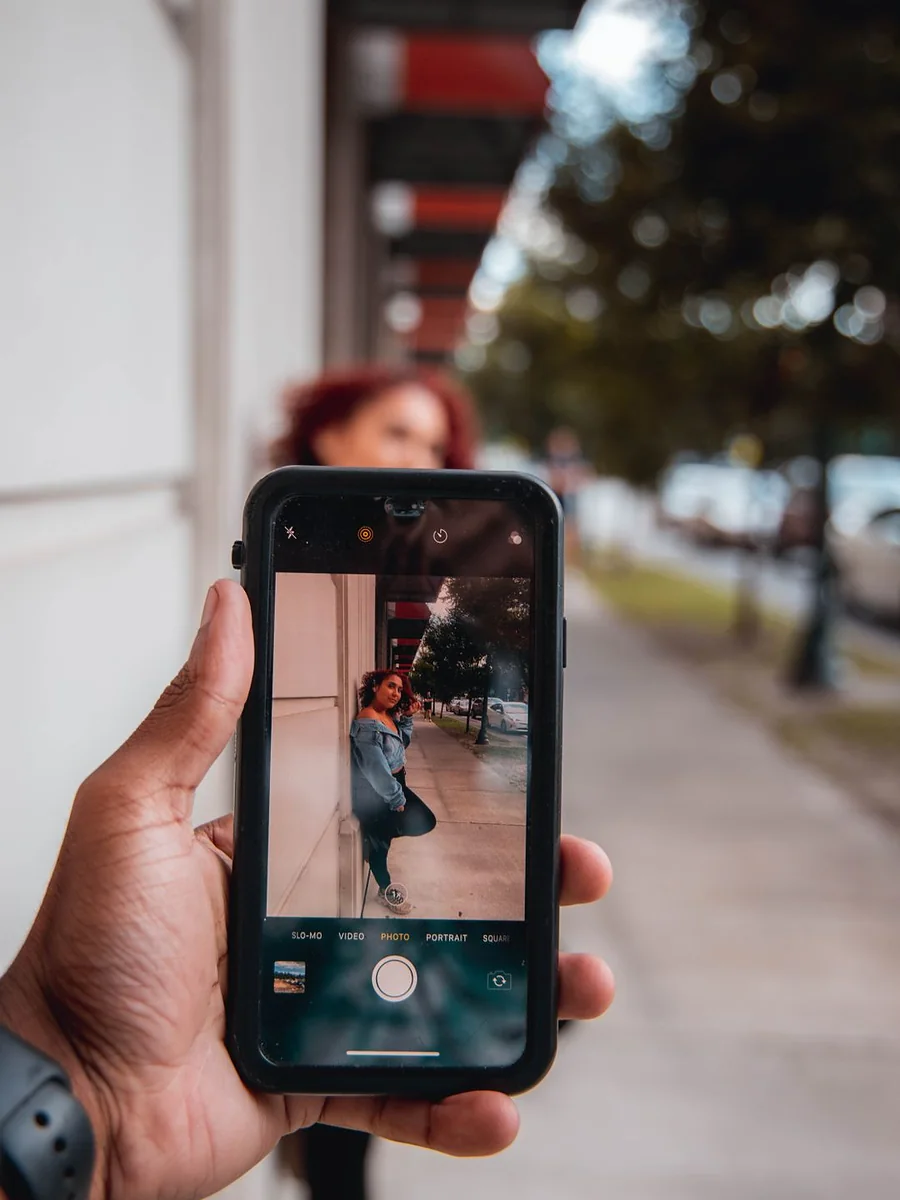
4 phone tricks for photos they'll actually post

Trick 1: Shoot toward the light
Put the sun behind you, not behind them.

Trick 2: Wait for golden hour
The hour before sunset does half the work.

Trick 3: Make them laugh, then shoot
Real smiles beat posed ones every time.
A real slideshow from Carouloop, with free stock photos.
Whatever your niche, it starts with a hook
Example slides with stock photos, the way they come out. Swipe to see more.

4 gym habits I wish I started at 20
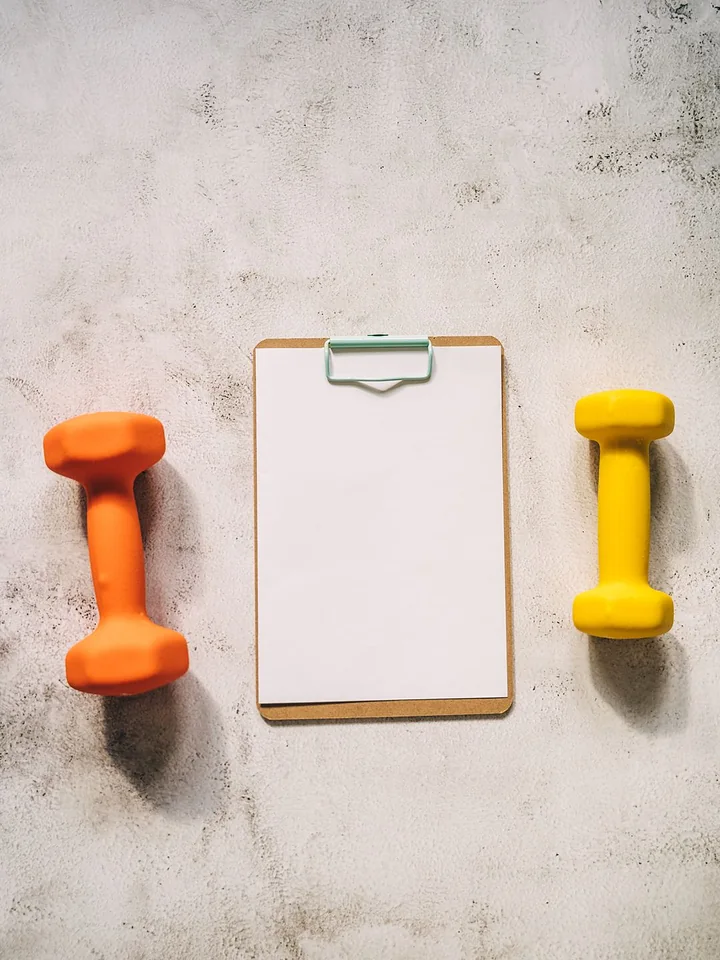
Habit 1: Log every set, even the bad ones
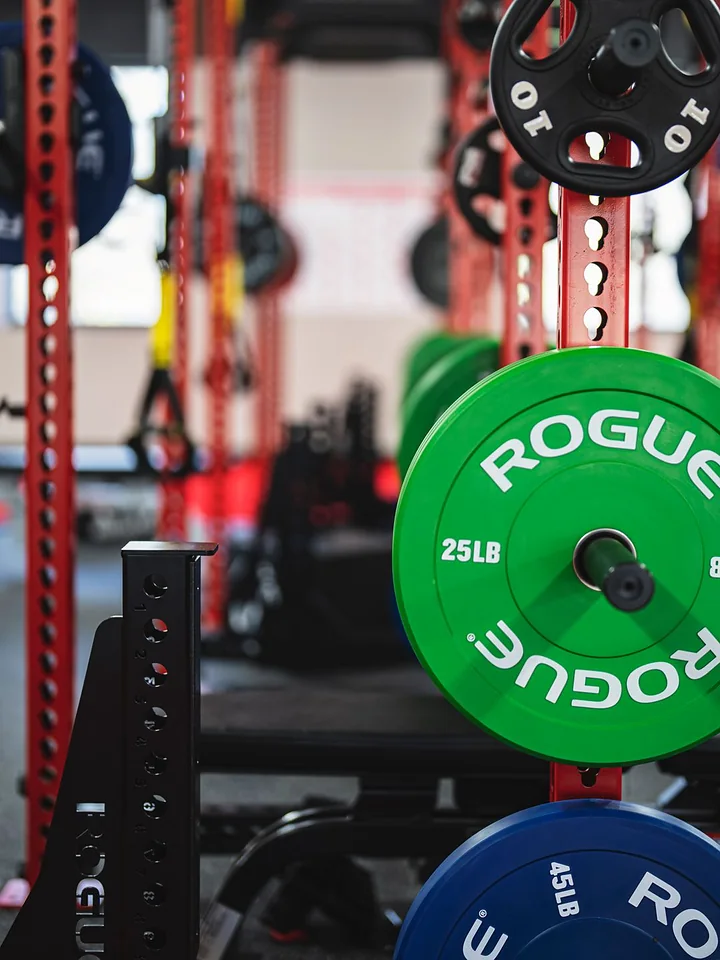
Habit 2: Leave one rep in the tank
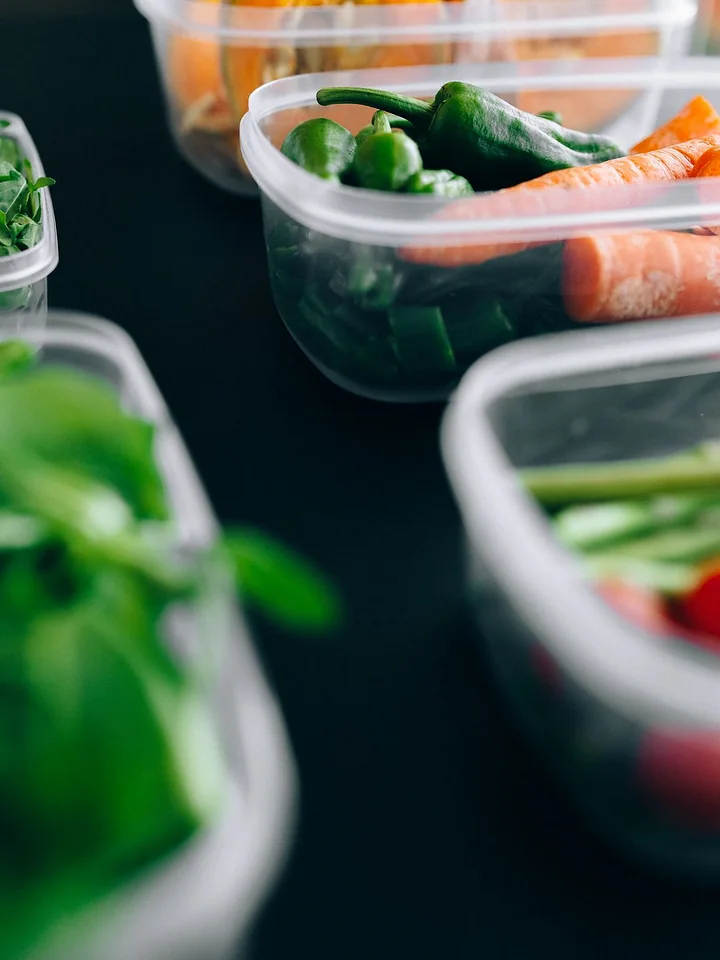
5 dinners you can prep in 20 minutes
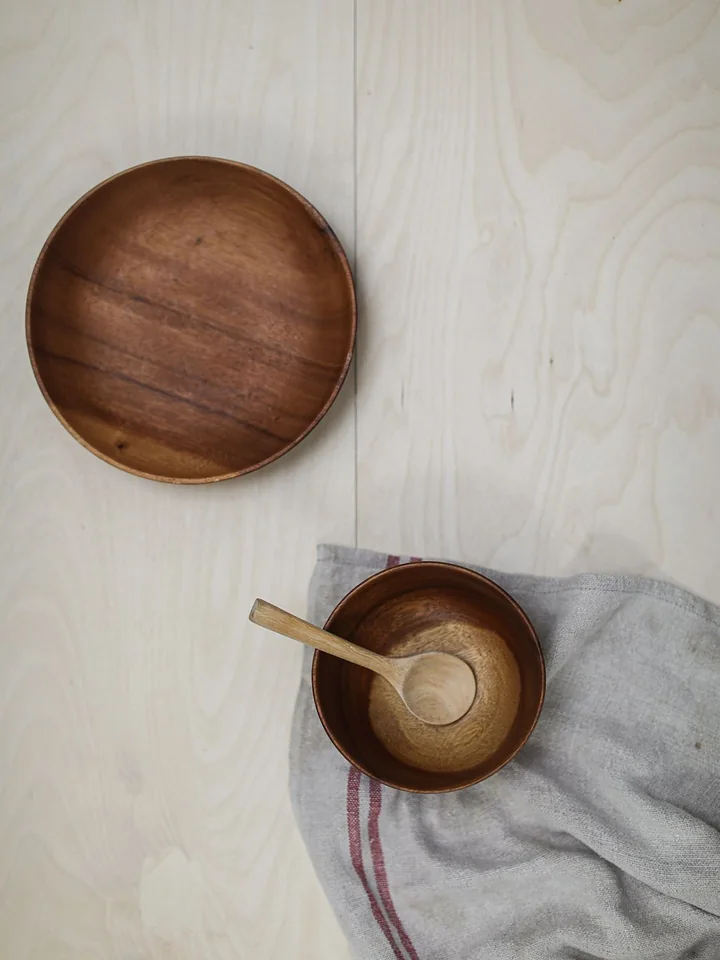
Tip 1: Cook the grain once, eat it three ways
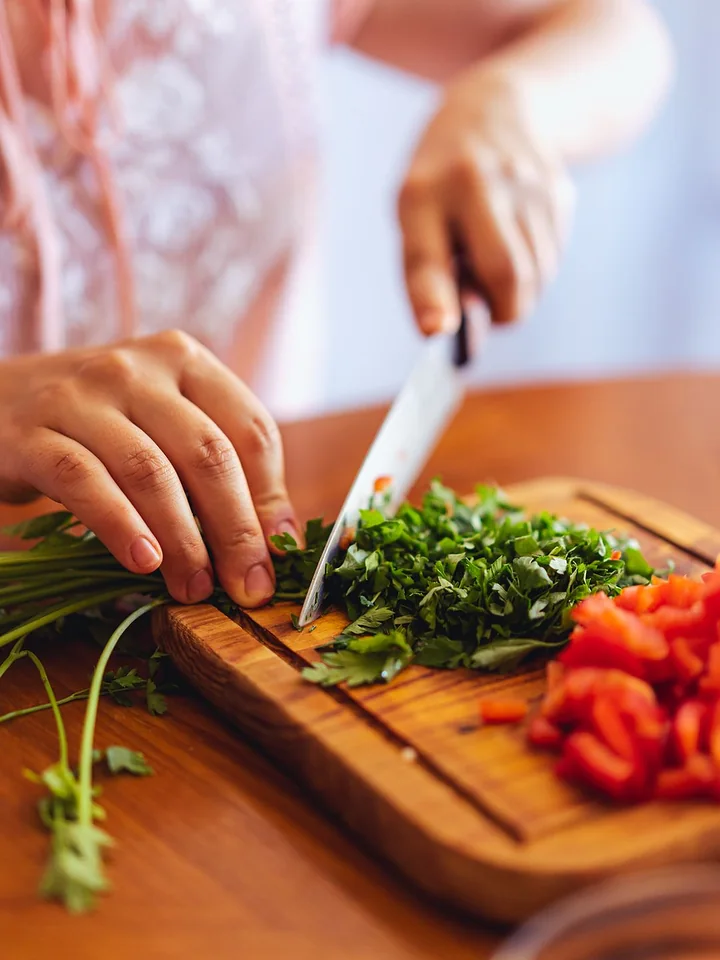
Tip 2: Chop on Sunday, not at 6pm
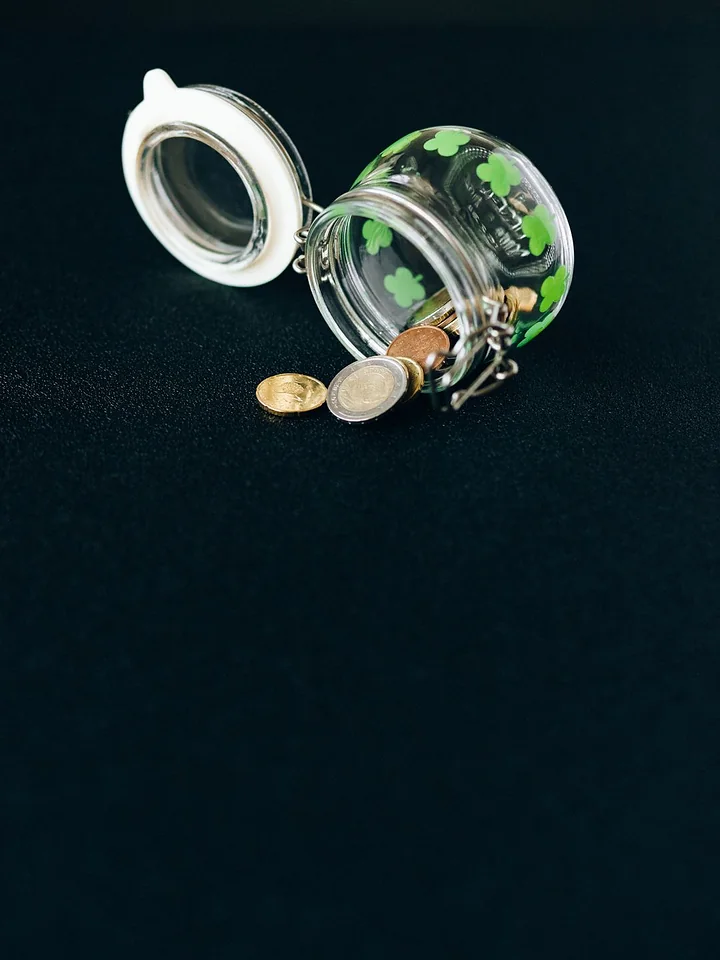
Why your savings never grow

Mistake 1: You save what is left over
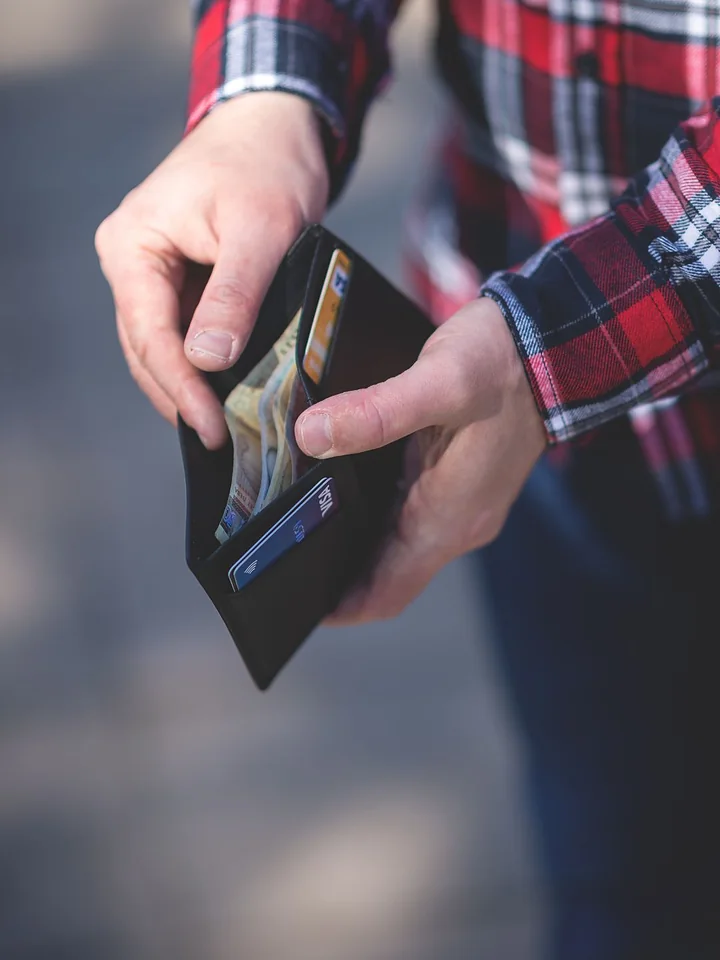
Mistake 2: One account for everything

i failed my first year. here is what changed

i stopped rereading and started testing myself

three weeks later my grades moved
How it works
- 1
Tell it your niche
What your account is about, who watches, and how you sound. That is the whole setup.
- 2
Get a week of slideshows
Hook on slide one, one idea per slide, caption and hashtags written, a photo on every slide.
- 3
Approve from your phone
Fix a word, swap a photo, pick the time, tap approve. Nothing goes out before you do.
Made for how creators actually post
An editor made for thumbs
Edit text, drag it around, swap or upload photos, reorder slides, undo. All of it on your phone.
A calendar for each account
Every account keeps its own posting times. Drag a post to another day.
Auto-draft, never auto-post
When you are about to run out, it writes the next week and waits for you.
Playbooks from posts you liked
Upload screenshots of a slideshow. It learns the structure, never the words or pictures.
Your photos or free stock
Use your own shots, or free-to-use photos from Pexels and Unsplash, with credit.
See what works
Posts sent per day and per account, and which playbooks get the most views.
12 playbooks built in
Pick the ones that fit your account. Teach it more from slideshows you liked.
Numbered tips
A promise on slide one, then one tip per slide.
Mistakes to avoid
Why it goes wrong, one mistake per slide, each with its fix.
Honest takes
Blunt, slightly contrarian statements people save.
Before / after story
First person: the problem, the turn, the result.
Step by step
One small step per slide, in the order you'd do it.
This or that
Two options compared side by side, then a clear pick.
Myth vs fact
Common beliefs, busted one per slide.
Things I'd tell my younger self
Personal lessons, warm and a little reflective.
Ranked
A countdown from okay to best, so people swipe to the end.
A day in my life
Your routine in time stamps, real and relatable.
Save-this checklist
A practical list people screenshot and come back to.
Signs you're…
Relatable signs that make people tag a friend.
Pricing
Pay for the posts it writes. Editing, scheduling and posting are always included.
Starter
$9 / month
Two posts a day on one account.
- 60 posts a month
- 1 TikTok account
- Scheduling and Auto-draft
- 2 playbooks from screenshots
Creator
$15 / month
For creators running more than one account.
- 150 posts a month
- 3 TikTok accounts
- Scheduling and Auto-draft
- 10 playbooks from screenshots
Studio
$29 / month
For people managing accounts for others.
- 400 posts a month
- 10 TikTok accounts
- Scheduling and Auto-draft
- Unlimited playbooks
Prices in US dollars. Cancel any time from Settings.
Questions creators ask
What is a TikTok slideshow?
A photo post people swipe through, also called a carousel or photo mode post. Each slide is a picture with a line or two of text on it.
Does Carouloop post without asking me?
No. Every post waits in your queue until you approve it. Auto-draft writes posts ahead of time, but it never approves or publishes one by itself.
Do I need a product to promote?
No. Tell Carouloop your topic and it writes posts about that. If you do have an app, shop, course or newsletter, it gets one mention on the last slide.
Where do the photos come from?
Free-to-use stock photos from Pexels and Unsplash matched to each slide, or your own uploads. You can swap any photo with one tap.
Can I use the style of a slideshow I liked?
Yes. Upload its screenshots and Carouloop saves the structure as a playbook, then writes new posts on your topic the same way. It never reuses the words or pictures.
Does it work on a phone?
Yes. Reviewing, editing slides, approving and scheduling all work in a phone browser.
What sizes does it export?
3:4, which is never cropped in the feed, or 9:16 full screen. Slides are exported as images 1080 pixels wide.
How much does it cost?
Your first post is free. Paid plans start at $9 a month for 60 posts; editing, scheduling and posting are included in every plan.
Learn the craft
All 15 guides- What is a TikTok slideshow?
A TikTok slideshow is a photo post people swipe through. Here is how it works, where it shows up, and when to use one instead of a video.
- How to make a TikTok slideshow, step by step
Plan the idea, write the slides, pick photos, export at the right size and post. A complete walk-through for your first TikTok slideshow.
- TikTok slideshow size: 3:4 or 9:16?
The right image size for TikTok slideshows, the difference between 3:4 and 9:16, and where to keep text so nothing gets covered or cropped.
- TikTok slideshow hooks: how to write the first slide
The first slide decides whether anyone swipes. Six hook patterns for TikTok slideshows, with examples you can adapt to your niche.
- How many slides should a TikTok slideshow have?
TikTok allows up to 35 images in a photo post, but most good slideshows use 5 to 8. How to choose the right number of slides for your post.
- 40 TikTok slideshow ideas for any niche
Slideshow ideas for fitness, food, money, study, travel, beauty, books and small business accounts, plus prompts that work in every niche.